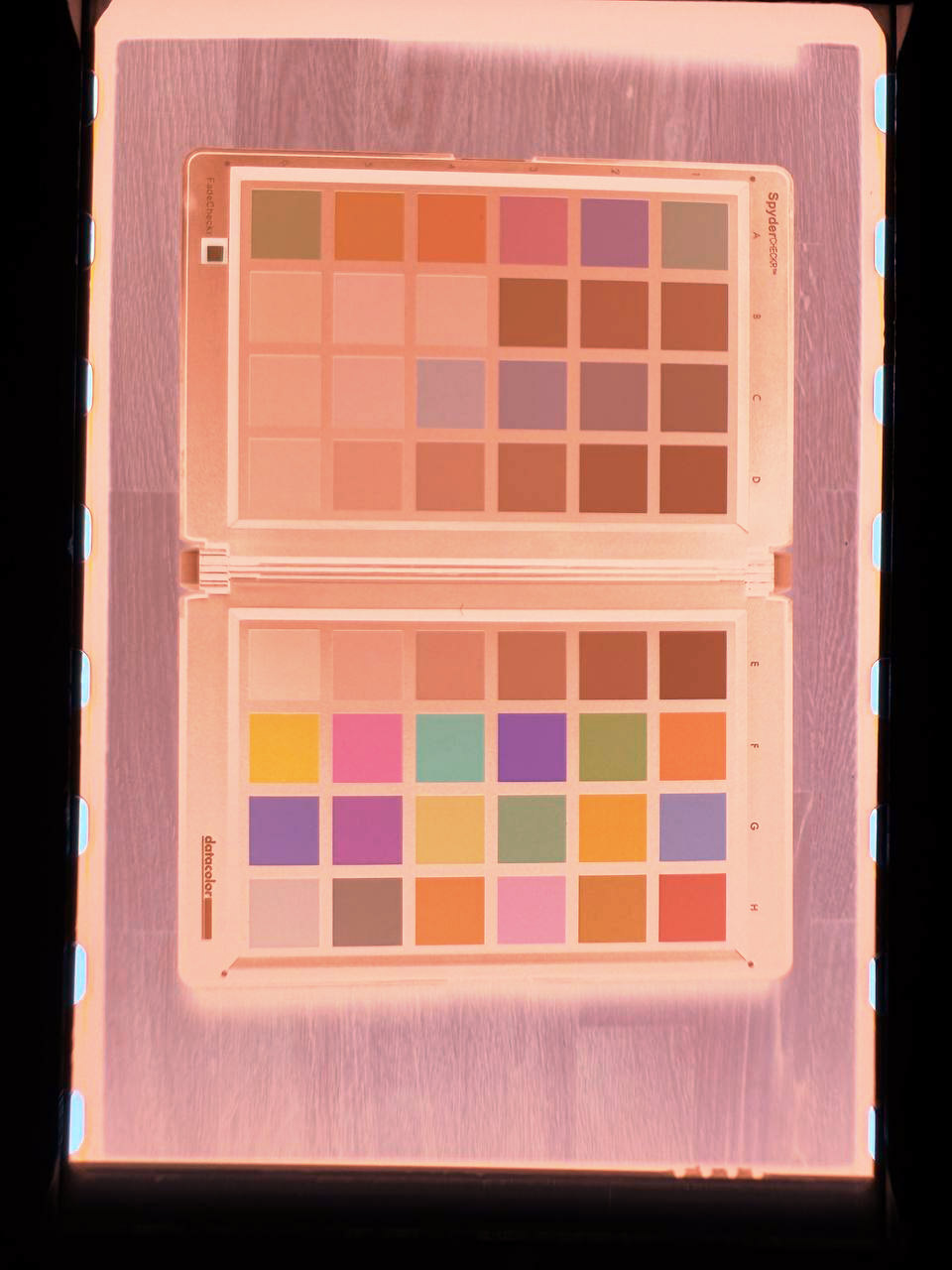
Fujifilm 200 conventional orange film base
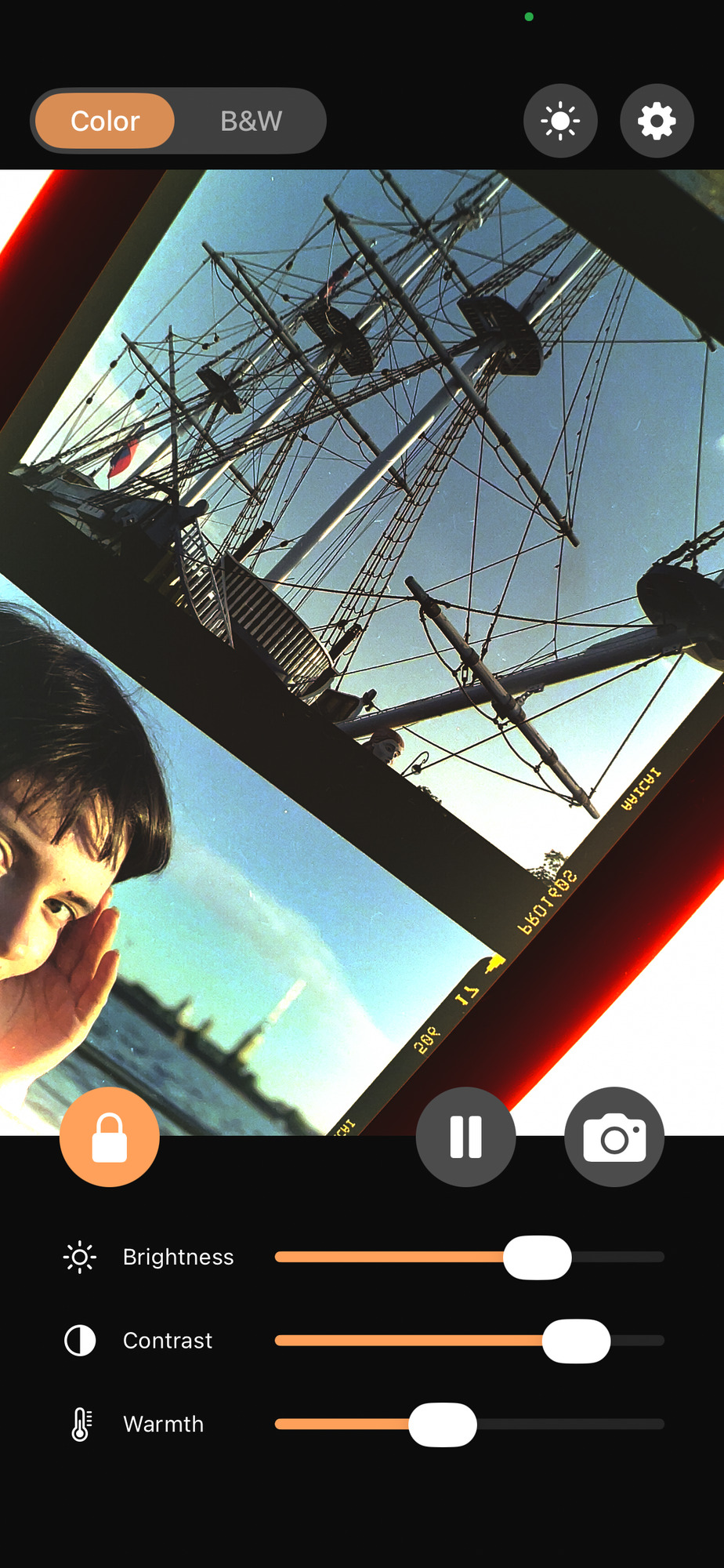
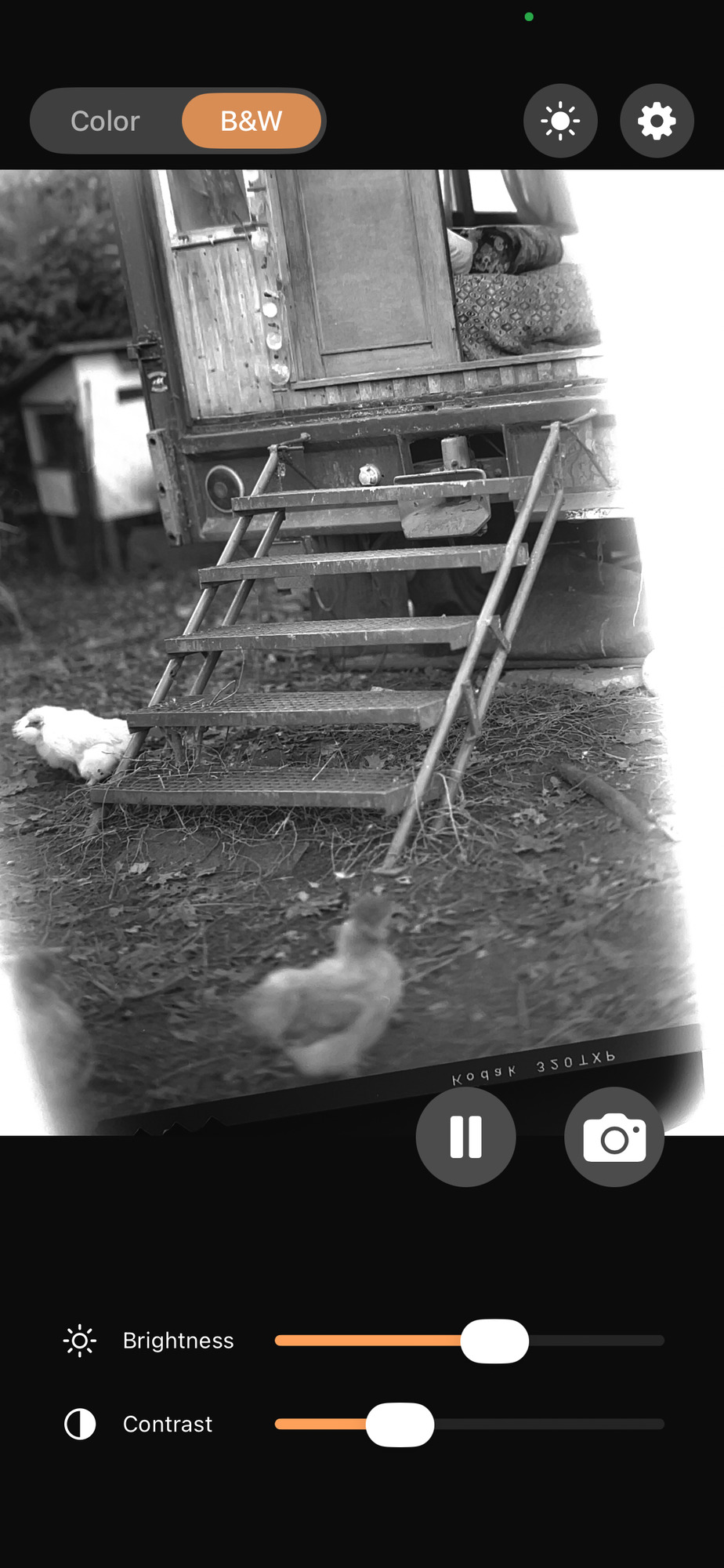
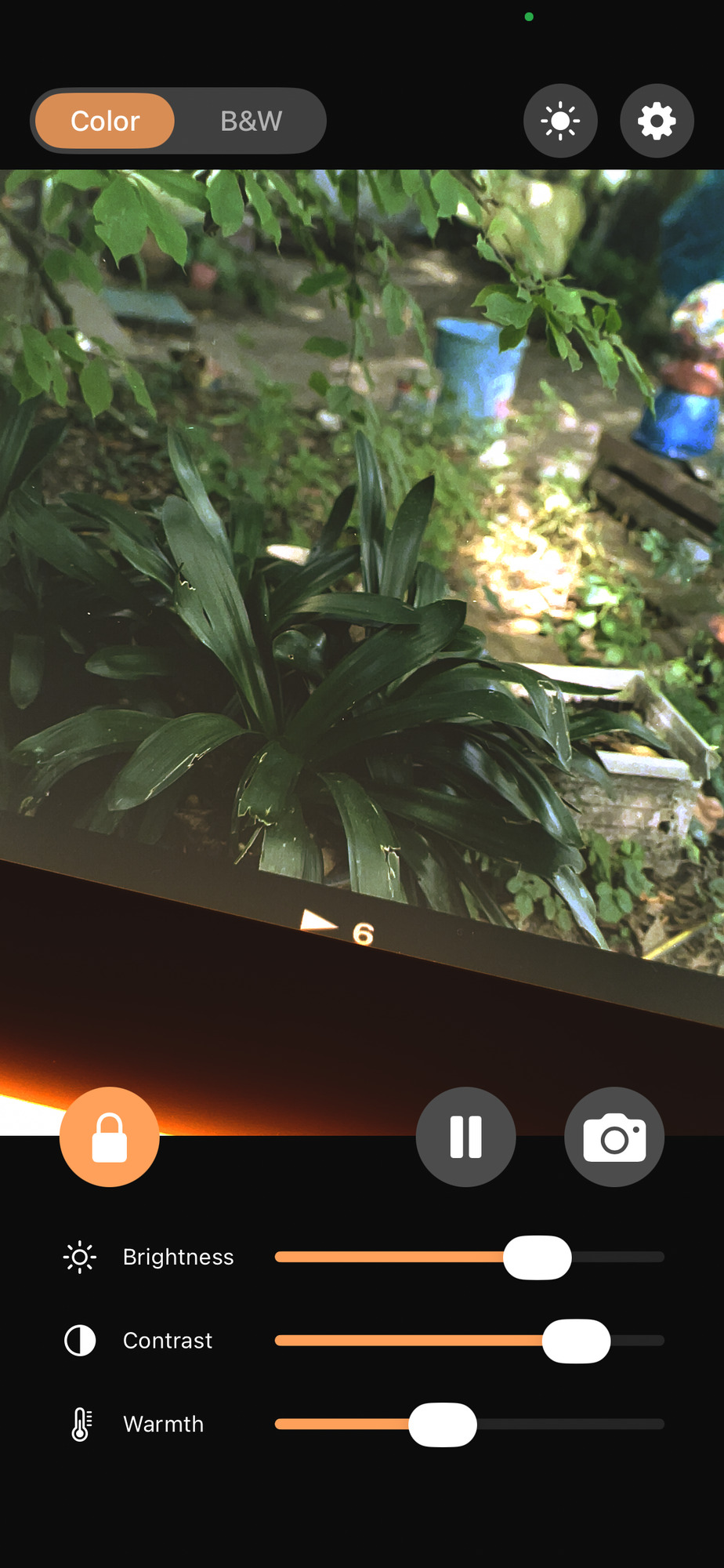
Positive View is a simple iPhone app for viewing photographic negatives as positive images in real time. Put your color or black-and-white film over a light source and point your iphone at it.
The app inverts the image and automatically compensates for the film base.
Very useful for checking newly processed film, choosing which frames deserve a proper scan, or showing someone a first impression after a shoot.
Requires iOS 16 or later. Everything happens on the device.
Place your film over an even, diffused light, fill the camera view with the frame, wait for focus and color to settle, then lock the balance. This way you view the whole roll with the same color balance.
1 / 3
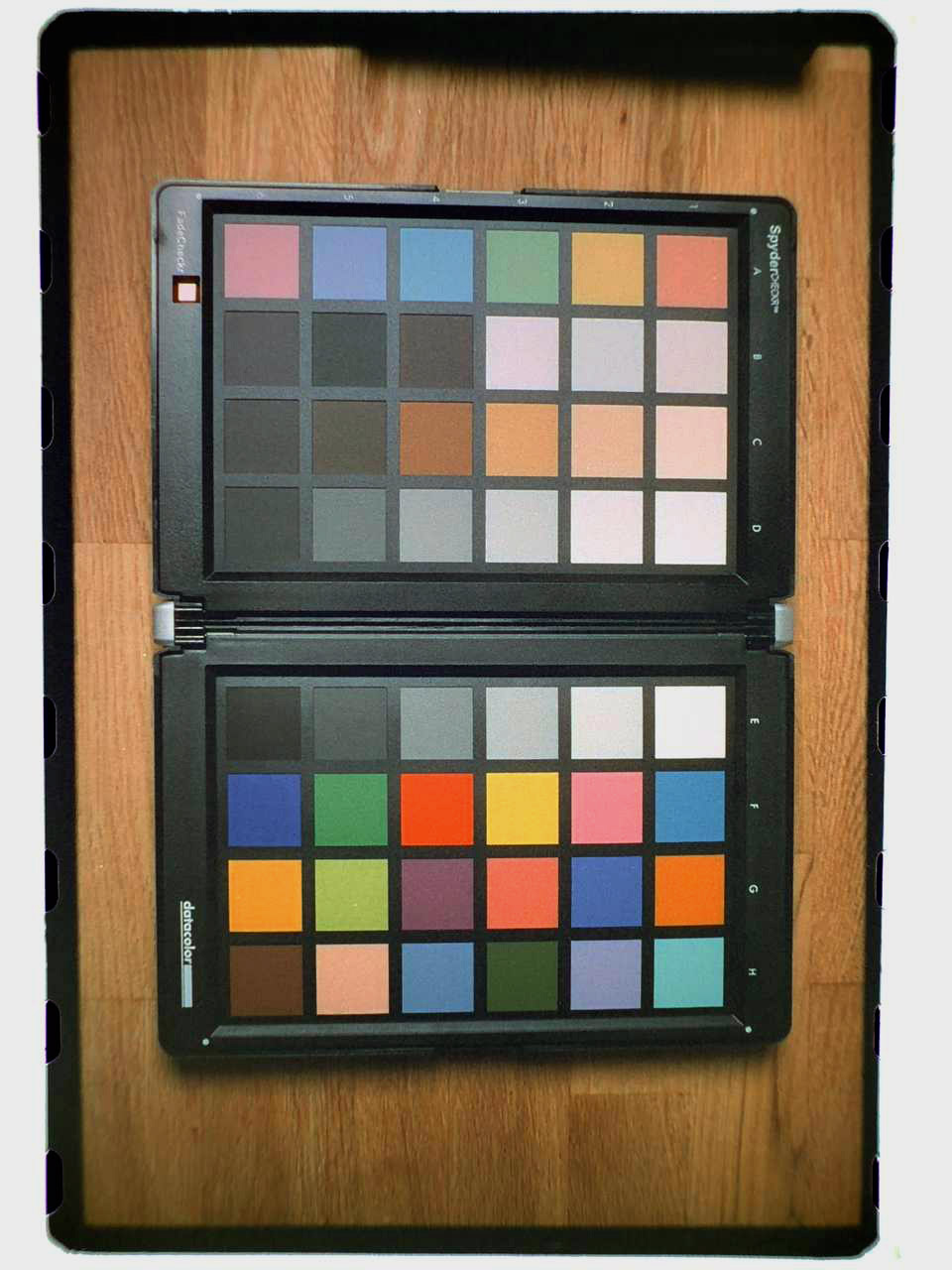
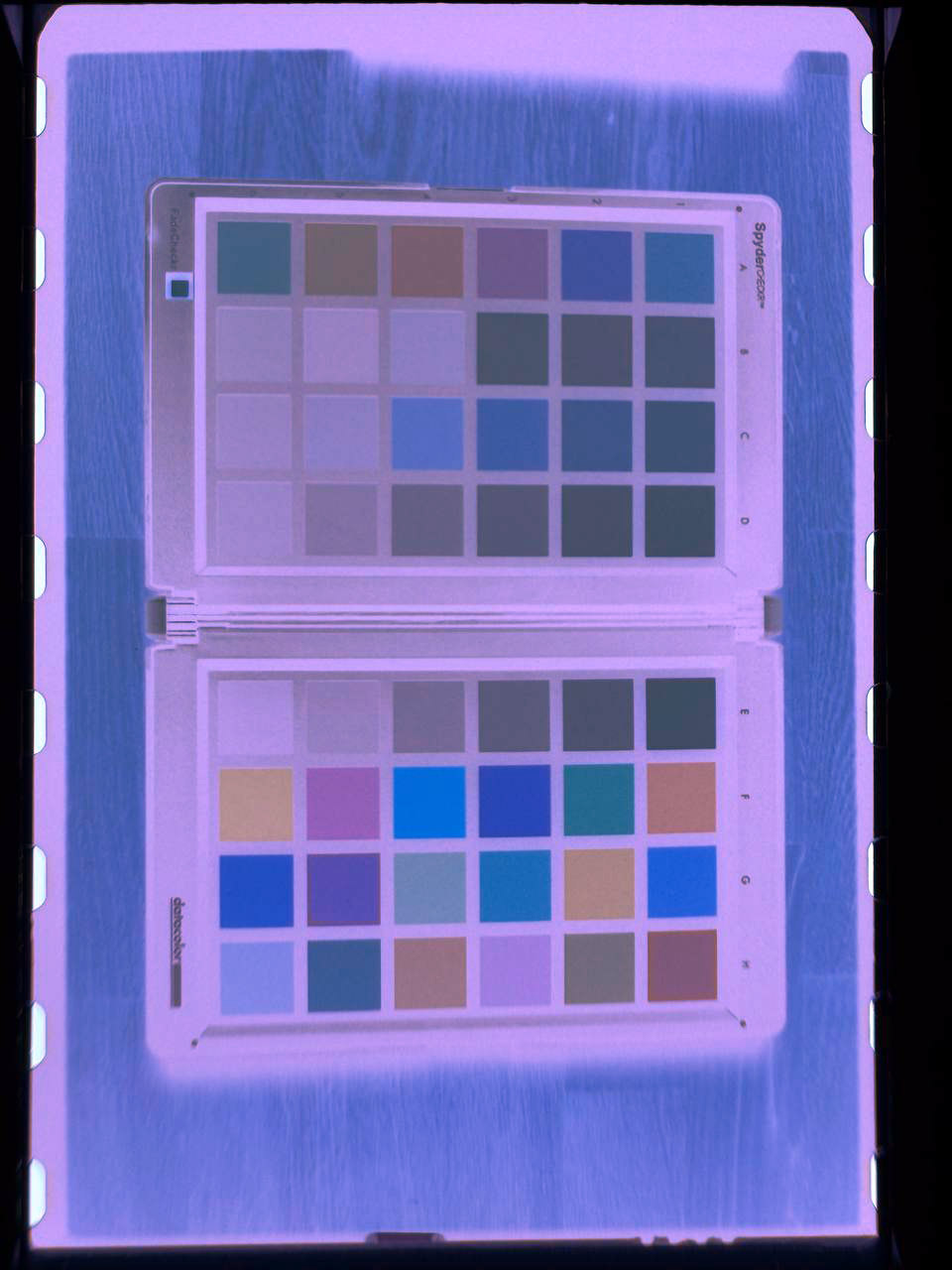
Most color-negative films have an orange base, but that color differs depending on the manufacturer. There are also special films with clear or even blue base color available. Positive View reads the base color from the image and adjusts the conversion automatically instead of assuming one fixed color. See this example of how it works with Harman Phoenix 200: its unusual blue / purple base looks very different to the iPhone camera, but the app still produces a positive with sensible colors.
In this comparison the Positive View conversion comes first, followed by the original negative photographed with the regular iPhone camera.
The app is estimating the film base from the live image. Once it looks right, you can lock the color balance for the remainder of the film
An even, diffused light: a light table, a white screen, or a window onto an evenly lit sky. If the corners are uneven, run the light-source calibration in Settings. When using a laptop or phone screen, the scan quality might be lower than when using a good diffused light.
No. Nothing is collected. See privacy policy for details.
Positive View requires iOS 16 or later. For help, read Positive View Support or email [email protected].
Free on the App Store. No ads, no account, no subscription, no tracking.
Get it free on the App Store